



Payment & Security
Your payment information is processed securely. We do not store credit card details nor have access to your credit card information.
Your Huawei P30 Pro depends on the proximity sensor to darken the display the moment the phone touches your head.
A weak connection keeps the screen bright, wasting battery life and causing your cheek to trigger random taps while you speak.
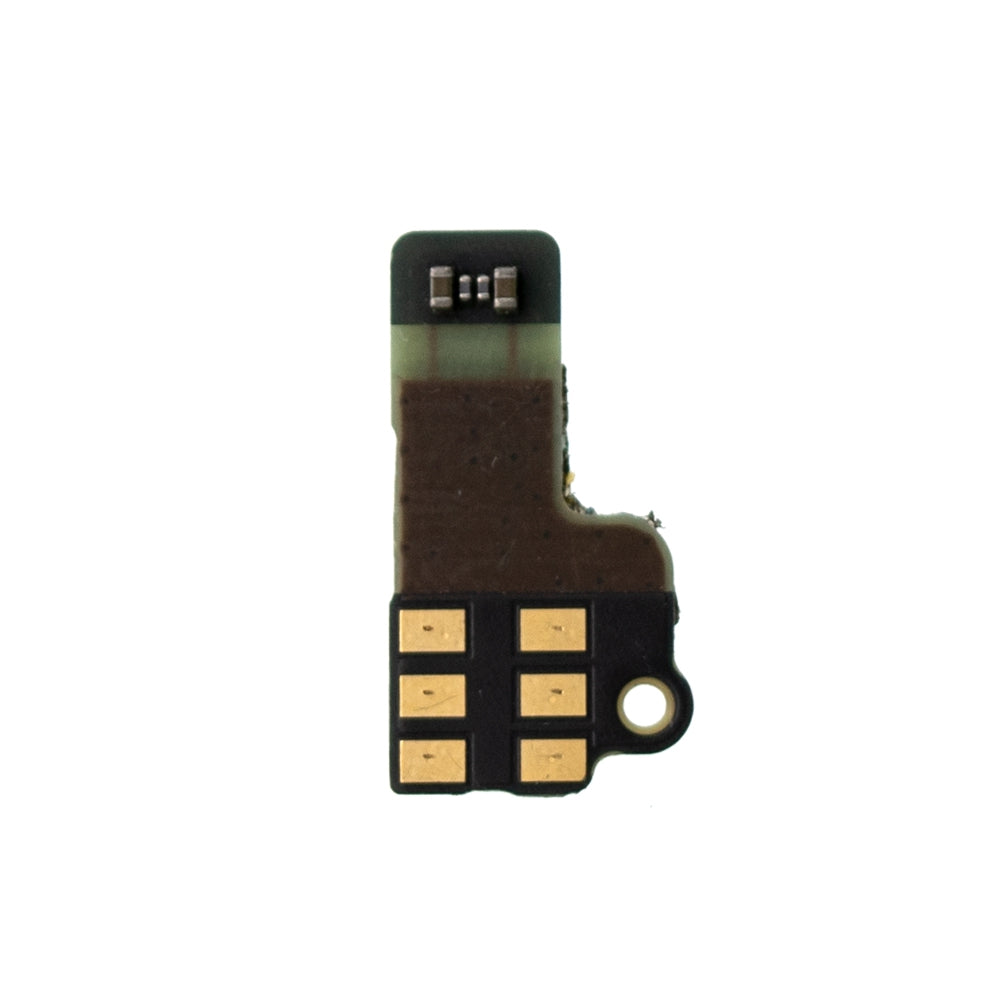
You can restore smooth operation by installing the Proximity Sensor Flex Cable from this kit.
The part is tailored for the Huawei P30 Pro and arrives in the PULL-A configuration to match your specific board layout.
You peel back the adhesive strips to release the old ribbon, then slide the new cable into the connector slot.
Secure the metal backing plate to lock the wiring, then let the flexible ribbon carry signals across the short distance inside the frame.
After fitting the new cable, the display turns off reliably at your ear and wakes quickly when you set the phone down.
You reclaim the charge lost to a stuck-on backlight and eliminate those awkward misdials during important calls.
Reading mode often triggers near the sensor, so the replacement also preserves those automatic adjustments for easier night-time reading.
The precise routing helps the cover seat fully, giving your repair a tidy finish that holds up to daily handling.
You fix the core issue and enjoy the same responsive performance that made your phone a favorite.


