

Payment & Security
Your payment information is processed securely. We do not store credit card details nor have access to your credit card information.
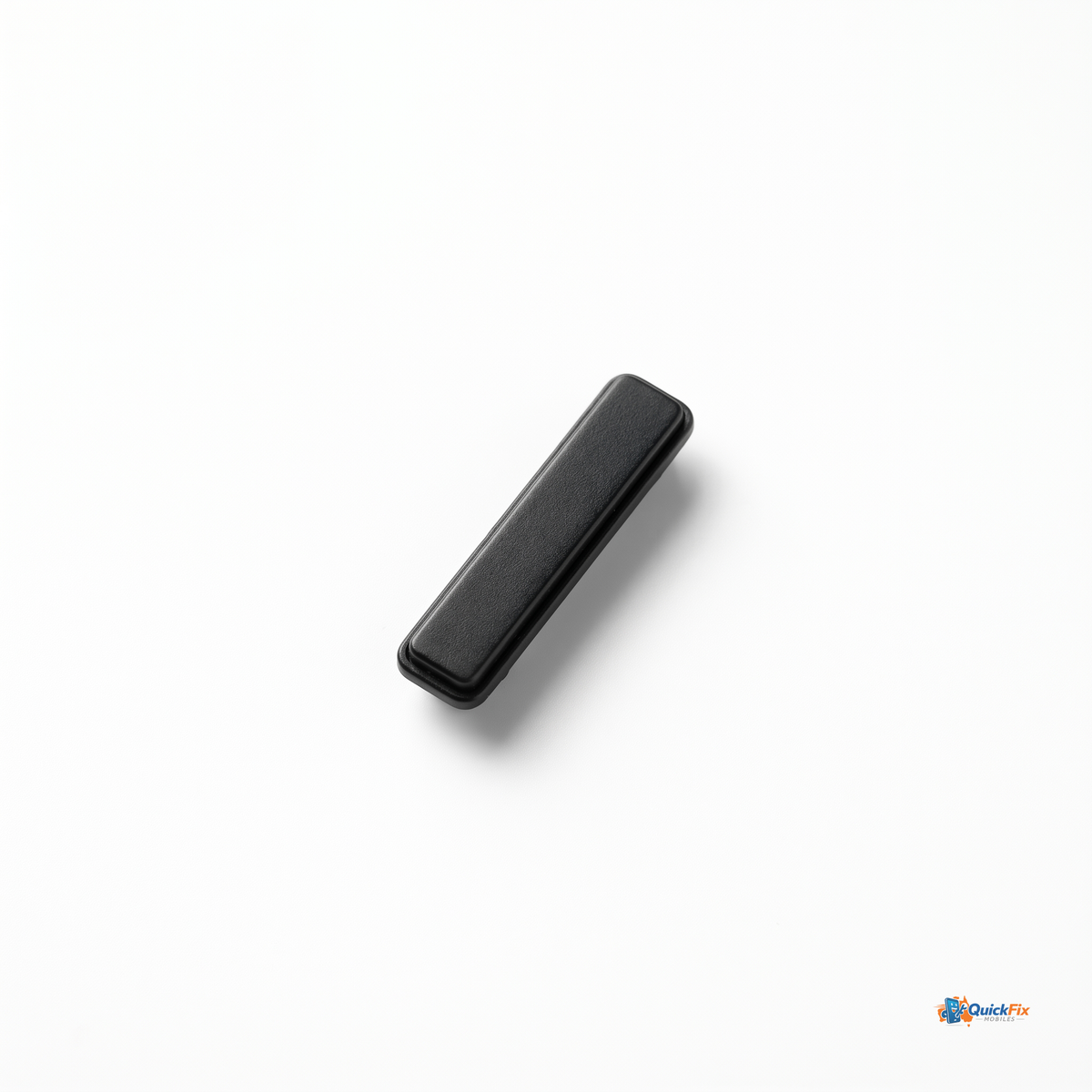
Restore reliable control of your Samsung Galaxy S20 Ultra with the Power Button Flex Cable replacement from Quick Fix Mobiles Parramatta. This precision component replaces the worn or damaged flex that handles power, sleep/wake, and screen activation, so your phone boots reliably and stays awake when you need it.
What problem does it solve?
- Unresponsive power button that won’t wake or shut down the device.
- Sleep/wake issues causing the screen to stay dark or fail to wake on touch.
- Inconsistent screen activation that interrupts boot and unlock sequences.
Why this replacement stands out
- Direct, factory-grade replacement for the Galaxy S20 Ultra's power button flex cable—designed to fit precisely and reconnect securely to the motherboard.
- Durable flex cable with robust connectors and flexible routing to handle daily use without flickering or intermittent signals.
- Optimized for a clean, unobtrusive install that minimizes risk to surrounding components during replacement.
Product details and compatibility
- Fits Samsung Galaxy S20 Ultra models with the power button flex assembly integrated into the top edge assembly.
- Includes one power button flex cable assembly (replacement part). Compatible and tested for reliable performance.
Why shop with Quick Fix Mobiles Parramatta?
- Same-day pickup before 12pm in Parramatta for urgent repairs.
- Fast Australia-wide shipping to get your repair completed quickly.
- Trusted supplier of repair parts, backed by our experience in mobile device servicing.
Installation notes and tips
- Professional repair experience is recommended if you’re not comfortable working with small, delicate smartphone components.
- Tools you may need: precision screwdriver set, spudger, ESD-safe mat, and opening picks.
- Power down the device, disconnect the battery if possible, and work in a clean, static-free area to minimize the risk of damage.
Get back to a phone that wakes up reliably, unlocks on demand, and boots smoothly with this Galaxy S20 Ultra Power Button Flex Cable Replacement from Quick Fix Mobiles Parramatta.