

Payment & Security
Your payment information is processed securely. We do not store credit card details nor have access to your credit card information.
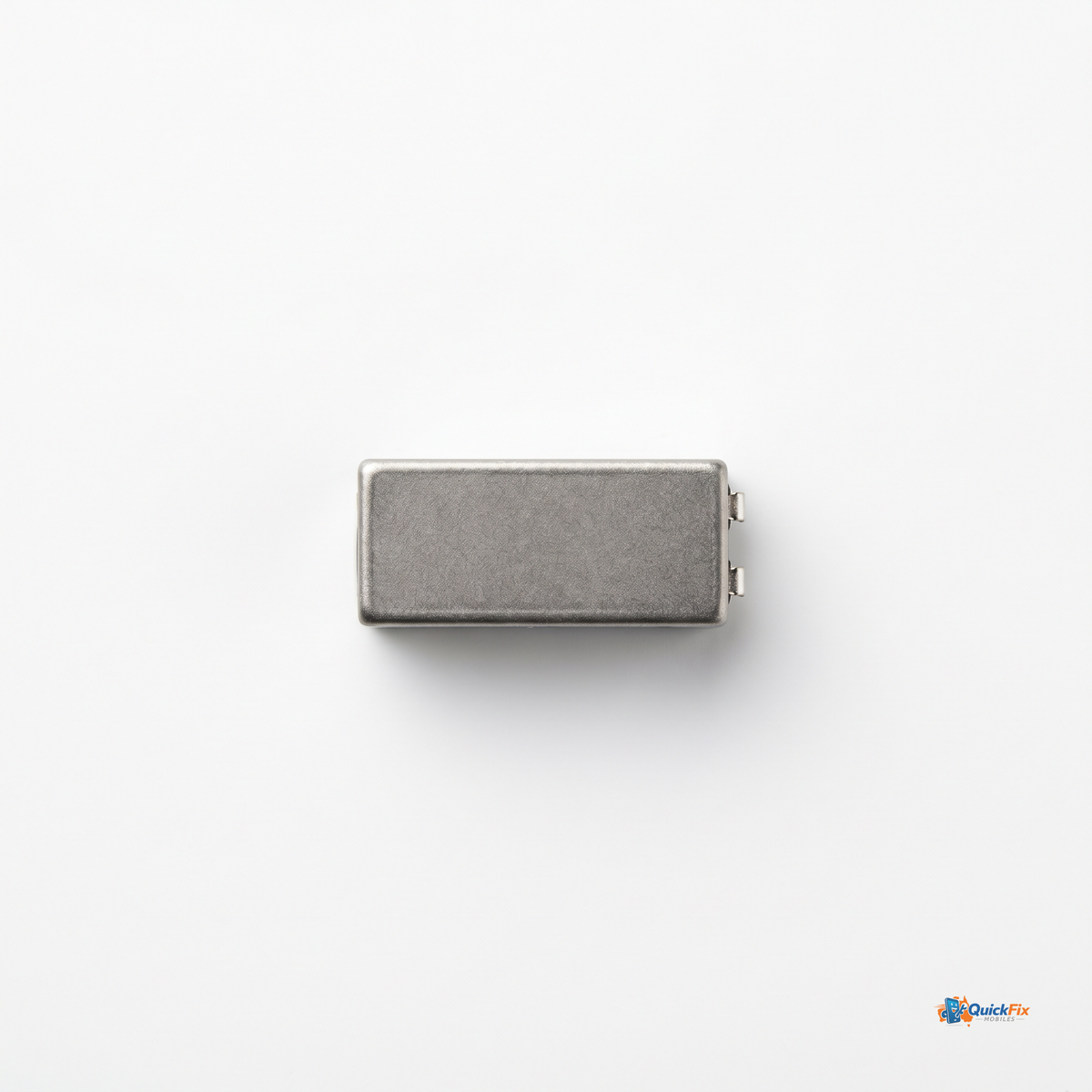
Restore the tactile buzz of your Samsung Galaxy S20 Ultra with this dedicated vibration motor replacement. Built as a precise, plug-in upgrade, it brings back reliable haptic feedback for calls, ringtone vibrations, and every notification alert—so you never miss a moment of what’s happening on your device.
- Restores haptic feedback for a confident, responsive buzz when your phone rings, texts, or pushes app alerts.
- Direct replacement for the Galaxy S20 Ultra designed to match the original vibration profile and fit seamlessly into your device.
- Easy plug-in installation—swap in quickly with minimal tools and no complex repairs.
- Consistent performance crafted to provide reliable vibration strength over time, so every alert feels right again.
This replacement is ideal for DIY enthusiasts, mobile repair shops, and technicians seeking a cost-effective, fast fix without sending the phone away for service. If your Galaxy S20 Ultra no longer vibrates for calls or notifications, this part can revive your device’s essential feedback loop.
- 1x Samsung Galaxy S20 Ultra vibration motor replacement
- Plug-in connector and harness designed for a straightforward swap
- Quality-tested to ensure consistent vibration amplitude
Why choose Quick Fix Mobiles Parramatta: enjoy same-day pickup before 12pm, or take advantage of fast Australia-wide shipping to get your phone buzzing again as soon as possible.
Use cases include fixing a non-responsive or weak vibration after drops, screen or board work, or any scenario where missed calls and notifications were caused by a faulty motor. To install, power down the device, locate the vibration motor connector, carefully disconnect the old unit, connect the new motor, and test before reassembling. The result is a reliably restored tactile experience you can trust every day.