

Payment & Security
Your payment information is processed securely. We do not store credit card details nor have access to your credit card information.
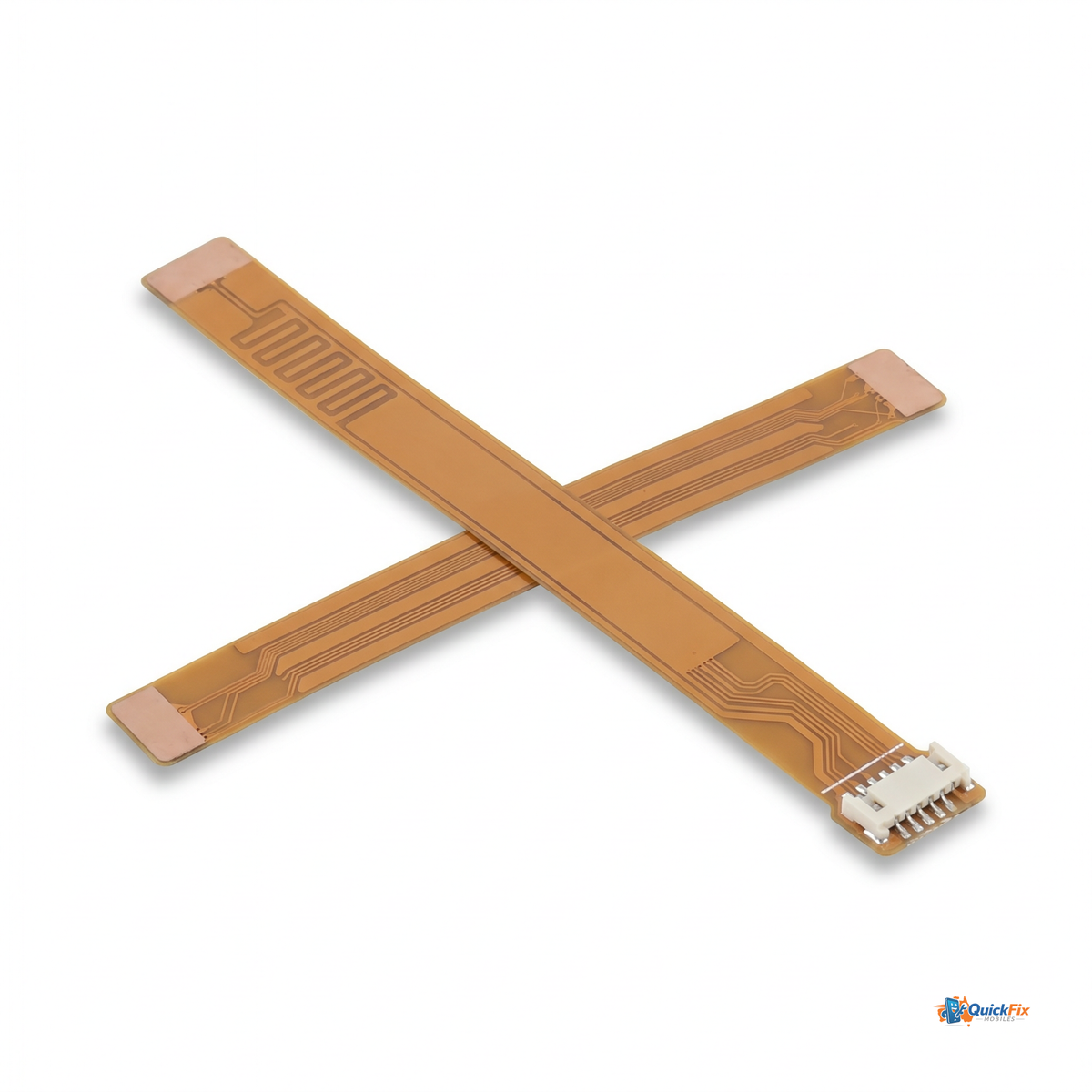
Meet the Antenna Flex Cable Replacement For Samsung Galaxy S25 FE — a precision-made component designed to restore dependable signal performance when the original flex cable wears, breaks, or sustains damage. This part is responsible for transmitting cellular, Wi‑Fi, GPS, and NFC signals, so you stay connected wherever you are. Replacing the worn flex cable is a targeted fix that can recover real-world reception without replacing the entire device.
Why this replacement stands out
- Direct-fit engineering — exact connector pitch and cable length match the Galaxy S25 FE’s original design, minimizing installation guesswork and ensuring a secure, EMI-conscious connection.
- Comprehensive signal restoration — by replacing the antenna assembly, you can expect improved cellular reliability, more stable Wi‑Fi reception, quicker GPS lock, and consistent NFC performance.
- Quality-grade materials — constructed on a flexible substrate with durable shielding and high-conductivity conductors to withstand daily flexing and pocket wear.
- DIY-friendly for repair enthusiasts — designed for a straightforward swap by skilled technicians or experienced hobbyists, with careful handling required to avoid static damage.
- Cost-effective uptime — a focused replacement that targets the root cause of connectivity issues, avoiding the cost and downtime of a full motherboard repair.
Who this is for
- Phone repair professionals and service shops aiming to restore Galaxy S25 FE connectivity without OEM pricing.
- Owners experiencing dropped calls, unstable data, flaky Wi‑Fi, or laggy GPS, even when the screen isn’t cracked or battery is healthy.
- DIY repair enthusiasts who want a practical upgrade to extend the life of their Galaxy S25 FE instead of replacing the device.
Installation & care tips
- Power down the device and disconnect the battery before handling any internal components.
- Use proper ESD protection and precision tools to avoid bending or stressing the flex cable ends.
- Consult a service manual or trusted teardown guide for the Galaxy S25 FE to locate the antenna flex cable and connectors, then reseat all connections firmly.
- After reassembly, test cellular signal, Wi‑Fi performance, GPS accuracy, and any NFC functionality to confirm a successful replacement.
Practical considerations
- Handle with care to prevent micro-cracks in the flex trace and protect the shielding layer from damage during installation.
- Store in a clean, dry environment and avoid excessive bending or compression when not in use.