

Payment & Security
Your payment information is processed securely. We do not store credit card details nor have access to your credit card information.
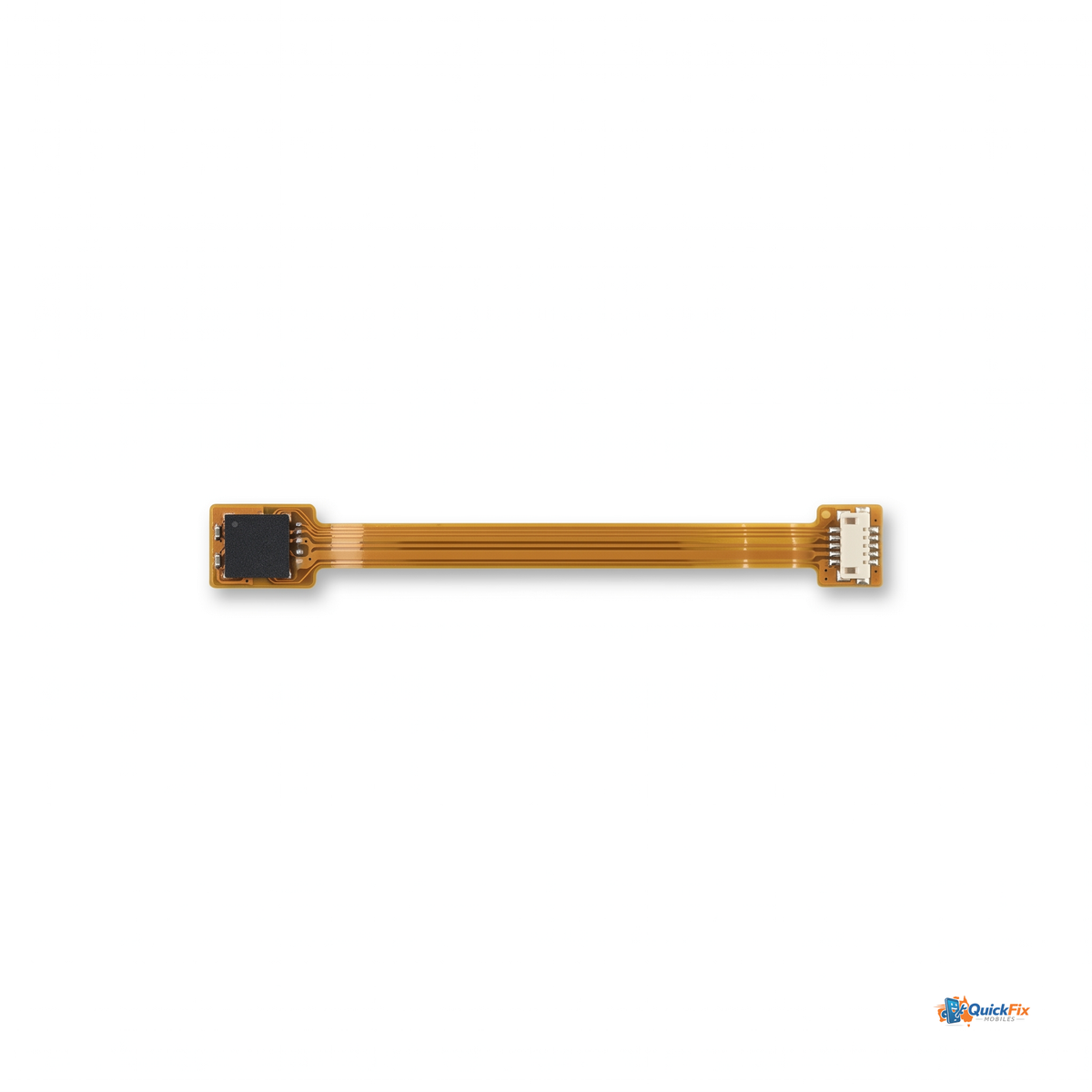
Samsung Galaxy S25 FE Proximity Sensor Flex Replacement is a dedicated repair part designed to restore a critical function that keeps your device behaving like new. When the proximity sensor flex is damaged or degraded, the screen can stay on during calls, accidental touches increase, and the phone may not respond to normal on/off gestures. This replacement targets the sensor flex directly, delivering reliable proximity detection and preserving the original user experience.
Why this replacement stands out
- Purpose-built for the Galaxy S25 FE: This part is designed to fit the Galaxy S25 FE’s proximity sensor module and connectors precisely, reducing install time and mismatch risks compared with generic parts.
- Restores core behavior: Reinstates automatic screen-off when the device is held to your ear or when it’s near your face, and returns consistent wake/sleep behavior during everyday use.
- Reliable sensor response: Engineered to deliver steady proximity sensing across typical environments—pockets, lighting changes, and daily movement—so you won’t experience intermittent drops in performance.
- Repair-efficient by design: A compact flex cable that fits in the same space as the original, helping technicians and skilled DIY enthusiasts complete the repair without unnecessary disassembly or risk to surrounding components.
Who this is for
This replacement is ideal for:
- Tech hobbyists who enjoy hands-on phone repairs and want to restore authentic device behavior.
- Independent repair shops and service technicians looking for a reliable, model-specific proximity sensor flex to deliver consistent results for Galaxy S25 FE customers.
- Owners who’ve experienced screen staying on during calls or unexpected touch input and want a clean, long-lasting fix rather than temporary workarounds.
What to expect during installation
- Professional handling is recommended. This part involves delicate connectors and requires an ESD-safe workspace and appropriate tools.
- Power down the device, disconnect power rails safely, and reattach the flex to the original sensor module with care to avoid bending or kinking the ribbon.
- After installation, test basic functions: place the phone to your ear during a call to confirm the screen turns off, and verify normal unlocking and app interactions when the device is in use.
Practical reasons to choose this replacement
- Model-aligned compatibility minimizes guesswork and post-purchase frustration, delivering a more dependable repair outcome than generic alternatives.
- The part is focused on restoring a single, essential function—proximity sensing—so you get a targeted fix without introducing unnecessary components.
- Durable construction with careful attention to connector alignment helps reduce rework and returns, helping you keep repairs efficient and reliable.
Care and ongoing use
Handle with care during installation to protect the flex and connectors. After installation, avoid bending the cable sharply and store the device in a safe, static-free environment when not in use. If you notice any irregular sensor behavior after replacement, recheck connector seating and ensure the flex is fully and securely connected.